
Accounting Software for Freelancers
Freelancing has three money problems: getting invoices out quickly, getting them paid, and knowing how much of the balance is actually yours once expenses and tax are set aside. DigitXBooks handles invoicing with receivable aging, categorised expense tracking and clean reporting, and the same account grows with you if you later take on staff or stock.
Invoices, chasing payment and knowing what is yours
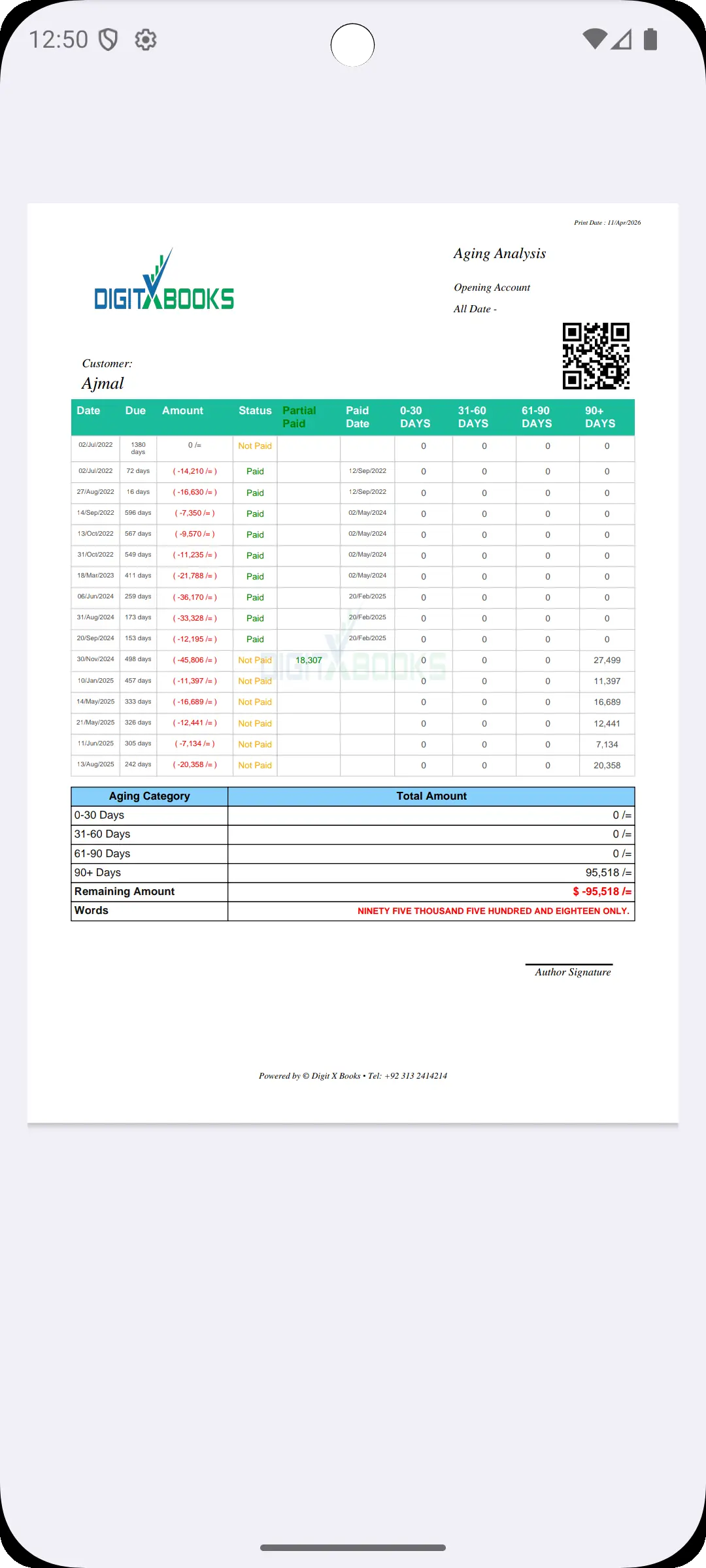
Sending the invoice is the easy part. Aging reports in 0-30, 31-60, 61-90 and 90+ day buckets tell you who to chase and in what order, with invoice-level debit, credit, paid, due and balance detail, and partial payments recorded properly rather than tracked in your head.
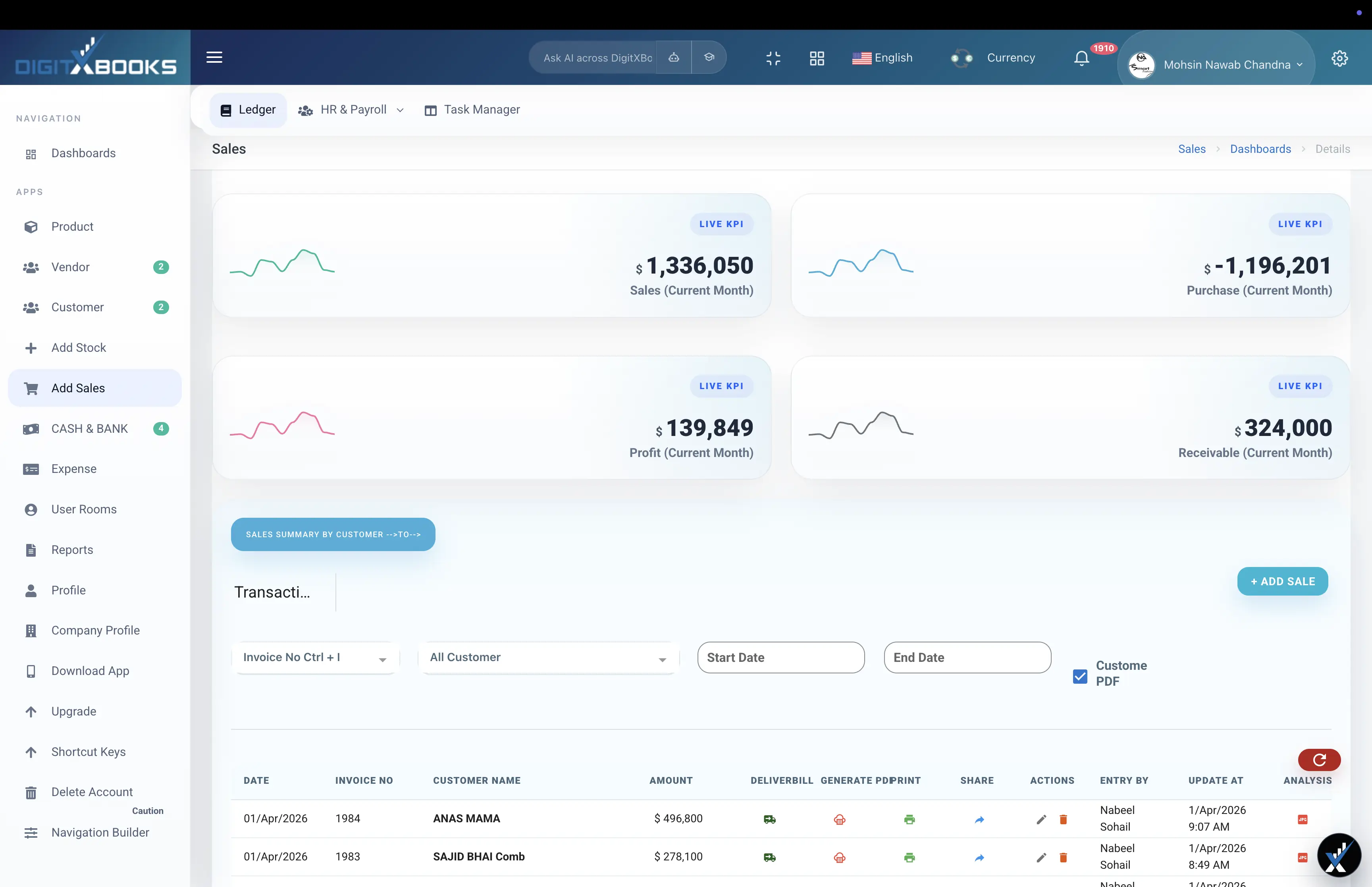
- Invoices with product or service rows, quantity and price
- Receivable aging across four buckets
- Partial payments recorded against the client account
- PDF-ready invoices and statements
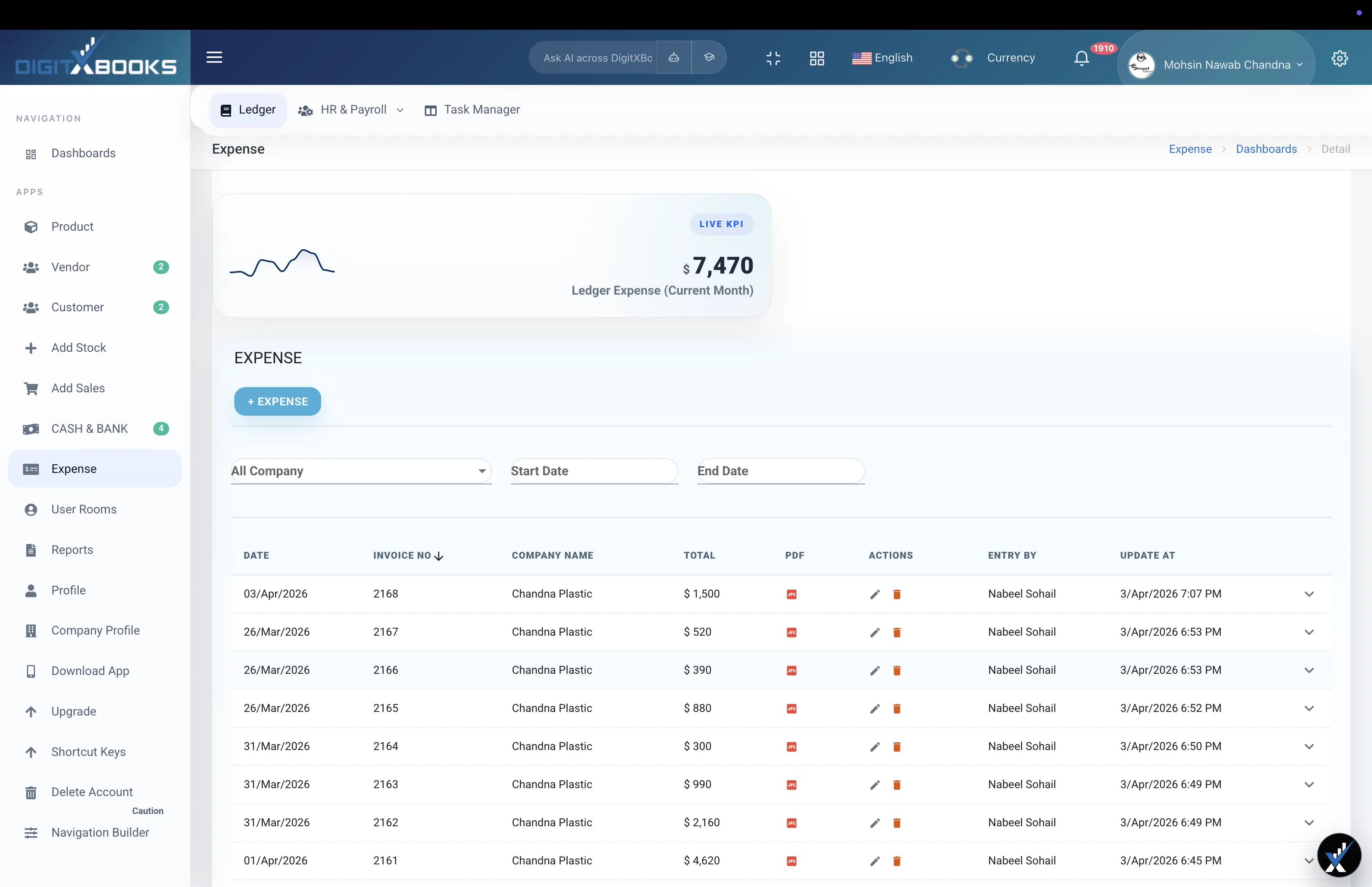
Expenses recorded as you go
Reconstructing a year of expenses in the week before a tax deadline reliably loses money, because the small deductibles get forgotten. Categorised expense tracking with recurring entries and payment-method detail keeps software subscriptions, hardware, travel and contractor payments recorded as they happen.
- Expense categories with recurring entries for subscriptions
- Cash, bank and mobile-wallet payment tracking
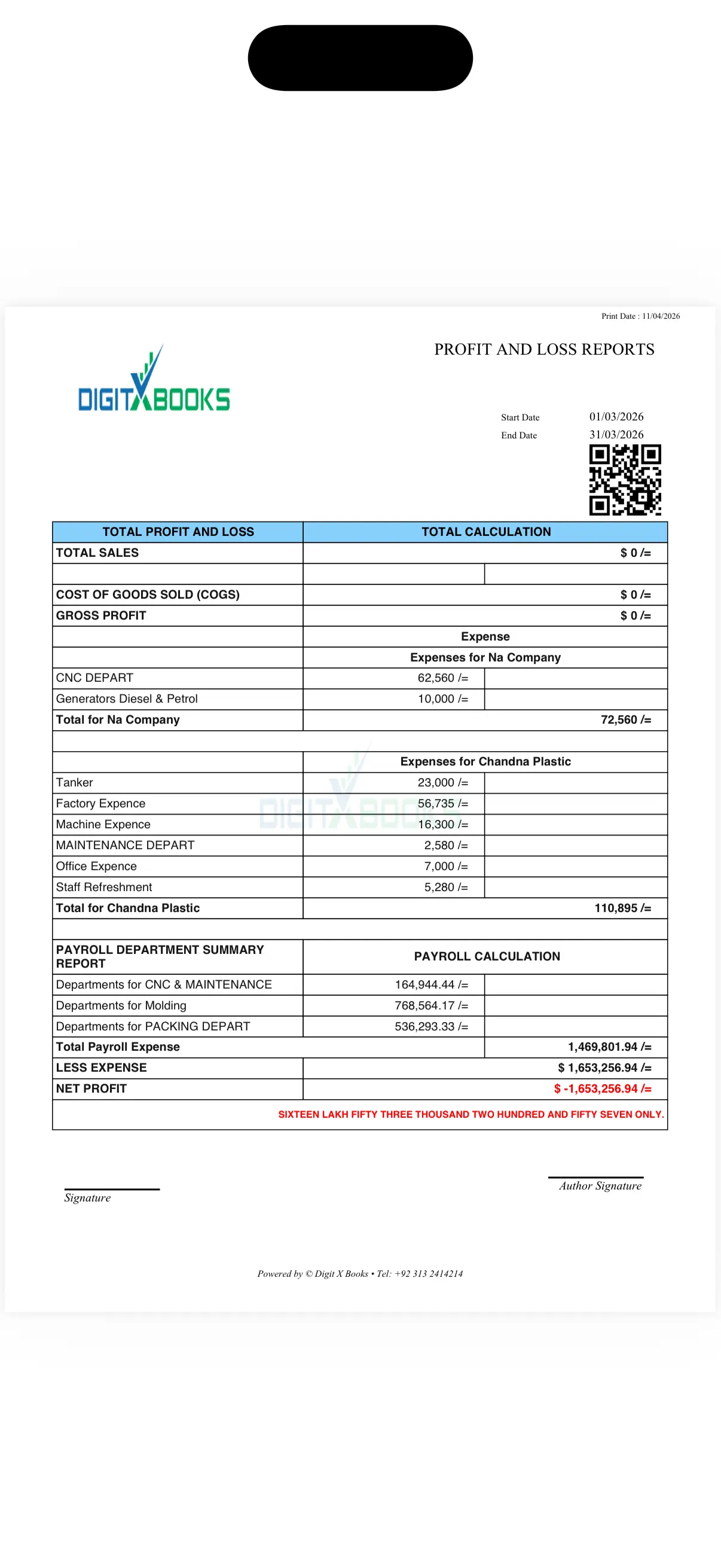
- Expense reporting against income for real net position
- Exportable records for your accountant
Finding the next client
The unusual part of DigitXBooks for a freelancer is that client acquisition is in the same product as the books. AI prospecting turns a short description of your service into a list of companies with actual buying signals, and the email-marketing workspace drafts personalised outreach with reply and unsubscribe handling.
- AI prospecting from a short offer brief
- Close-probability scoring and why-now proof per prospect
- AI-drafted personalised outreach with verified sender domains
- Reply tracking, suppressions and unsubscribe handling
FAQs
Is DigitXBooks suitable for a one-person business?
Yes, and the reason people pick it over a pure invoicing tool is headroom. Invoicing, receivable aging and expense tracking cover the solo case, and inventory, payroll and multi-user access are already there if you hire or start selling products, so you do not migrate again.
Can I track deductible expenses for tax?
Yes. Expense categories, recurring entries and payment-method detail let you record deductibles as they occur, and records export for your accountant. It is not a tax filing service, so confirm local requirements with an advisor.
Does it help me find clients?
Yes, which is unusual for accounting software. AI prospecting generates qualified B2B leads with buying signals and close-probability scoring from a short offer brief, and the email-marketing workspace drafts and sends personalised outreach with reply and unsubscribe handling.
How do I chase late-paying clients?
Receivable aging reports bucket everything outstanding into 0-30, 31-60, 61-90 and 90+ days with invoice-level detail, so you chase in order of exposure rather than in order of who you remember.