
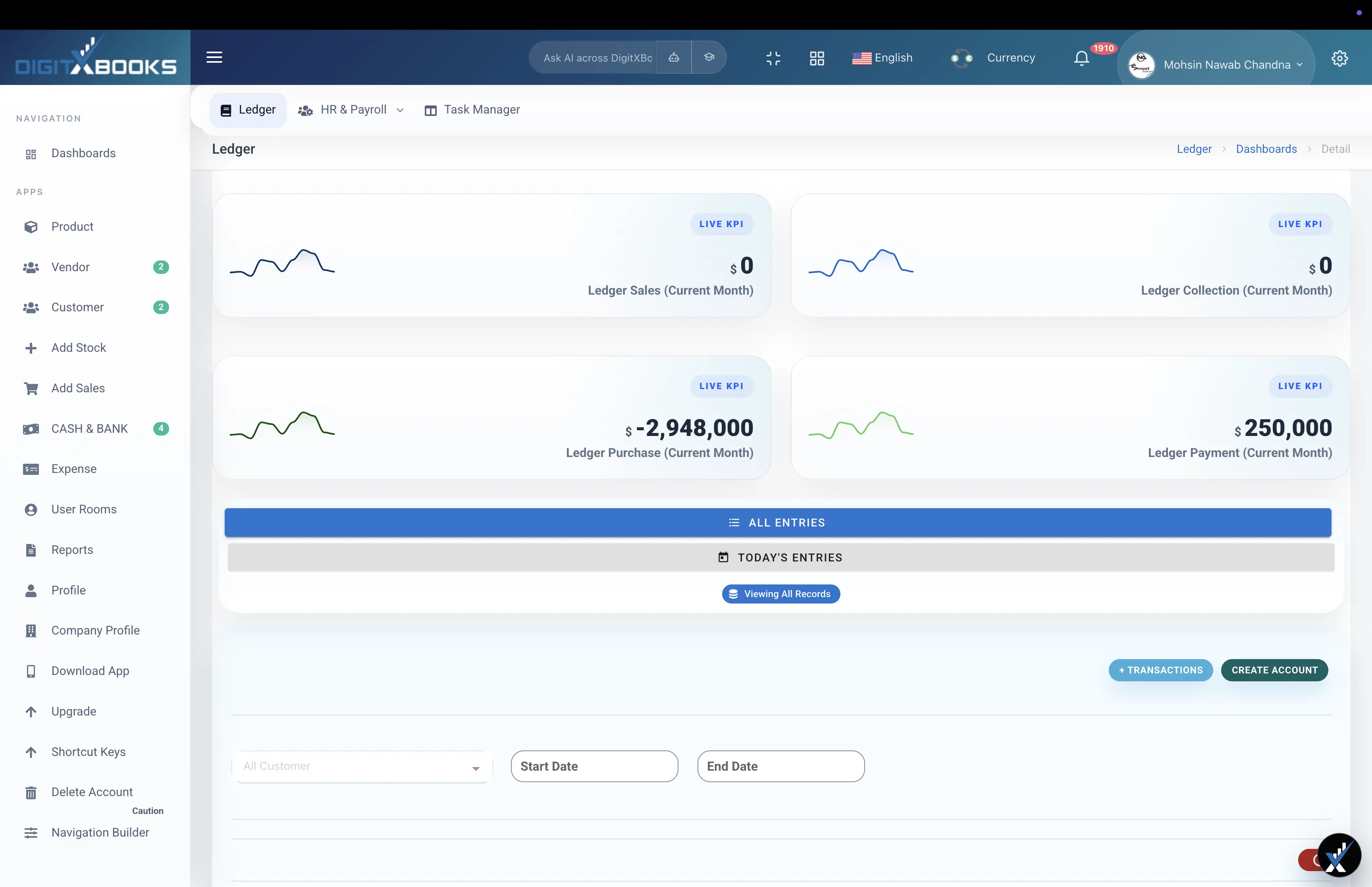
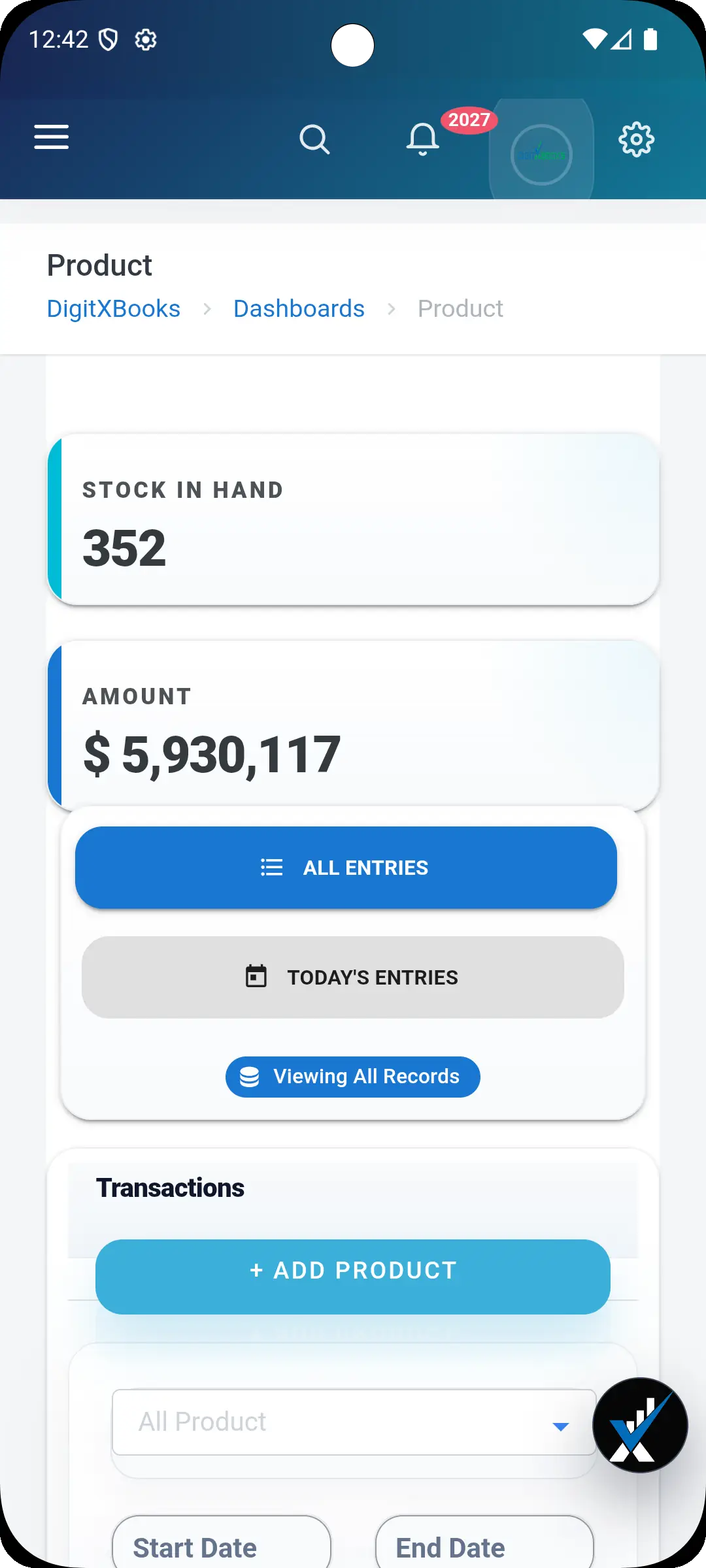
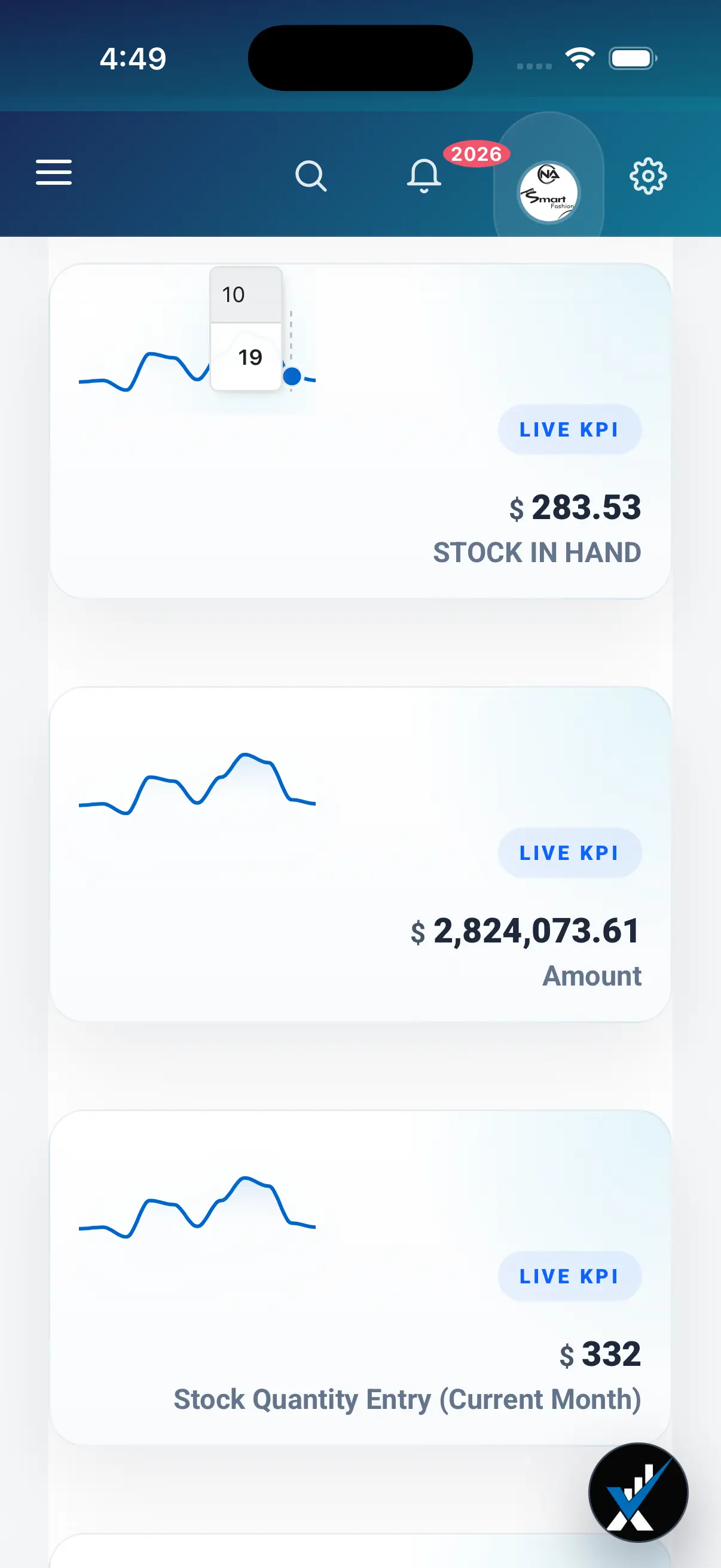
Cloud accounting software stores your financial records on a hosted server that you reach through a web browser or a mobile app, rather than in a file on one particular computer. The practical consequences are that several people can work in the same books at once, the data is backed up without anyone remembering to do it, and you can check a balance from anywhere. Everything else people say about the cloud follows from those three things.
What actually changes when the books move to the cloud
Desktop accounting keeps a data file on a specific machine. That single fact creates most of the friction people associate with old accounting software. The file has to be backed up manually. Only one person can safely edit it at a time. The accountant needs a copy emailed over, which immediately creates two versions of the truth. If the machine fails, the books fail with it. Cloud accounting removes that whole category of problem by keeping one authoritative copy on a server and giving each person their own permissioned access to it.
- One copy of the data instead of a file and its emailed duplicates
- Several people working at once, each with their own permissions
- Backups and updates handled by the vendor rather than by you
- Access from a browser or phone rather than from one desk
Where the real savings show up
The subscription is not usually cheaper than a perpetual desktop licence over several years, and any honest comparison has to admit that. The saving is in the work that disappears. Nobody manages backups, nobody installs updates on each machine, nobody reconciles two divergent copies of the file, and nobody waits for the one person who has it open. For a business with more than one person touching the books, that recovered time normally outweighs the licence arithmetic well before the second year.
- No server to buy, patch or replace
- No manual backup routine to maintain or forget
- No version conflicts between the office copy and the accountant's copy
- No paid upgrade cycle every few years
Three things people get wrong
First, that the cloud is inherently less secure. A reputable vendor runs better encryption, patching and access control than a small business could manage on an office PC, and the realistic threat to your books is a stolen laptop or a weak password, not a datacentre breach. Second, that you lose your data if you stop paying. Any reasonable platform lets you export records as CSV and reports as PDF, and you should confirm that before signing up. Third, that it needs a fast connection. Entering invoices is a light operation; a normal mobile connection is sufficient.
- Security is usually better, not worse, than a local machine
- Check the export path before you commit, not after
- Bandwidth is rarely the constraint people expect
When switching is worth the disruption
Migration is real work, so it needs a real trigger. The common ones are genuine: more than one person needs the books at the same time, you want balances visible without being in the office, your accountant is tired of reconciling emailed files, or you have started keeping stock and staff in spreadsheets because the current tool cannot. If none of those apply and a single person is happily running a desktop ledger, there is no urgency.
- Multiple people need concurrent access
- Remote or multi-branch working has become normal
- Spreadsheet workarounds are accumulating around the ledger
- Backup discipline has quietly lapsed
How to migrate without losing a month
The mistake is trying to re-import years of history. You almost never need it. Bring across the records that affect continuity, which means the product catalogue, customers and vendors with their opening balances, and any invoices and bills still outstanding. Leave closed historic transactions archived in the old system, where they remain perfectly readable if an auditor asks. Then run both systems in parallel for one full cycle and compare the closing balances before you switch off the old one.
- Import products, customers and vendors from CSV
- Enter opening balances for receivables, payables, cash and bank
- Archive closed history rather than re-importing it
- Run parallel for one cycle and reconcile before cutting over
FAQs
What is cloud accounting software in simple terms?
It is accounting software where your books live on a hosted server that you reach through a browser or mobile app, instead of in a file on one computer. That means several people can work in the same records at once, backups happen automatically, and you can check balances from anywhere.
Is cloud accounting better than desktop accounting?
For any business where more than one person touches the books, or where anyone needs access away from the office, yes. For a single person working at one desk who maintains disciplined backups, desktop software can still be adequate, though the upgrade and backup burden stays with you.
Is my financial data safe in the cloud?
With a reputable vendor it is generally safer than on an office computer, because the encryption, patching and access control are professionally managed. The realistic risk is a weak password or a shared login, so enable strong authentication and give each person their own account.
What happens to my data if I stop paying?
On any reasonable platform you can export your records as CSV and your reports as PDF. This is worth verifying before you sign up rather than after, because export quality varies a great deal between vendors.
How long does it take to move to cloud accounting?
Most small businesses are transacting within a day, because you only import the catalogue, contacts and open balances rather than years of history. Plan a full month of running both systems in parallel before switching the old one off.