
Add your business and customer details, enter line items with quantity and rate, then set a discount and tax rate. Subtotals, tax and the final total calculate as you type, and the invoice prints or saves to PDF straight from your browser. Nothing is uploaded anywhere.
| Description | Qty | Rate | Amount | Remove |
|---|---|---|---|---|
| USD 0.00 |
The invoice is built in your browser. Nothing is uploaded, and no account is needed.
What a valid invoice needs
Most invoice disputes and payment delays trace back to a missing field rather than a disagreement about the work. A unique invoice number, a clear issue date, agreed payment terms, and a correct legal name for both parties are the fields that actually get invoices paid and keep them acceptable to a tax authority.
- A unique, sequential invoice number
- Issue date and a payment due date or terms
- Full legal name and address for both parties
- Tax registration number where you are registered
- Line-level description, quantity, rate and amount
- Subtotal, tax shown separately, and the total due
Showing tax separately
Tax should always appear as its own line rather than being folded into the unit price. A customer who can reclaim it needs the amount stated, your own return needs it recorded, and an auditor will ask for it. Keeping the net, the tax and the rate visible on the document is the simplest way to satisfy all three.
- State the tax rate and the tax amount separately
- Apply discounts before tax, not after
- Keep the rate on the document, since rates change over time
When a generator stops being enough
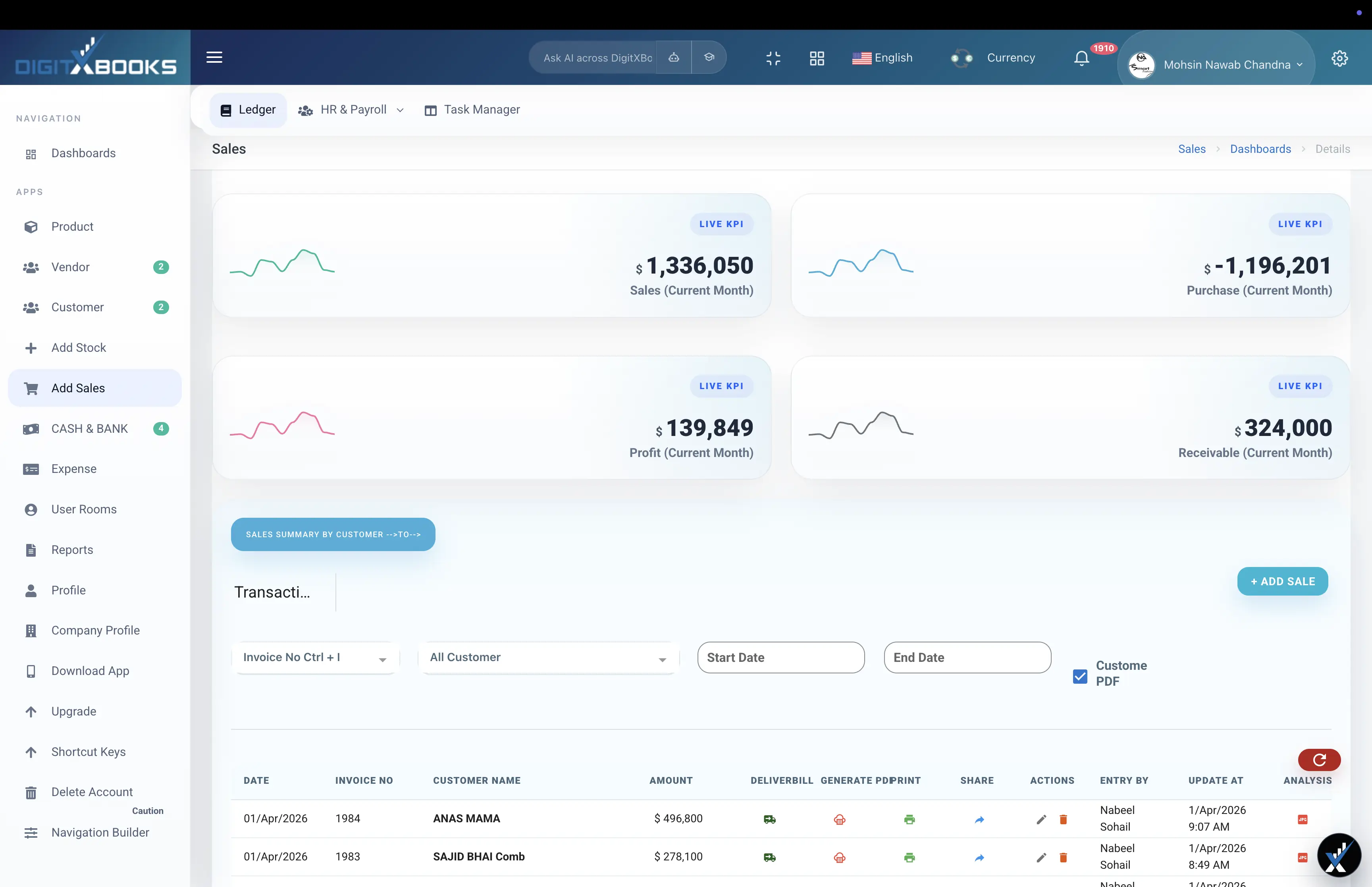
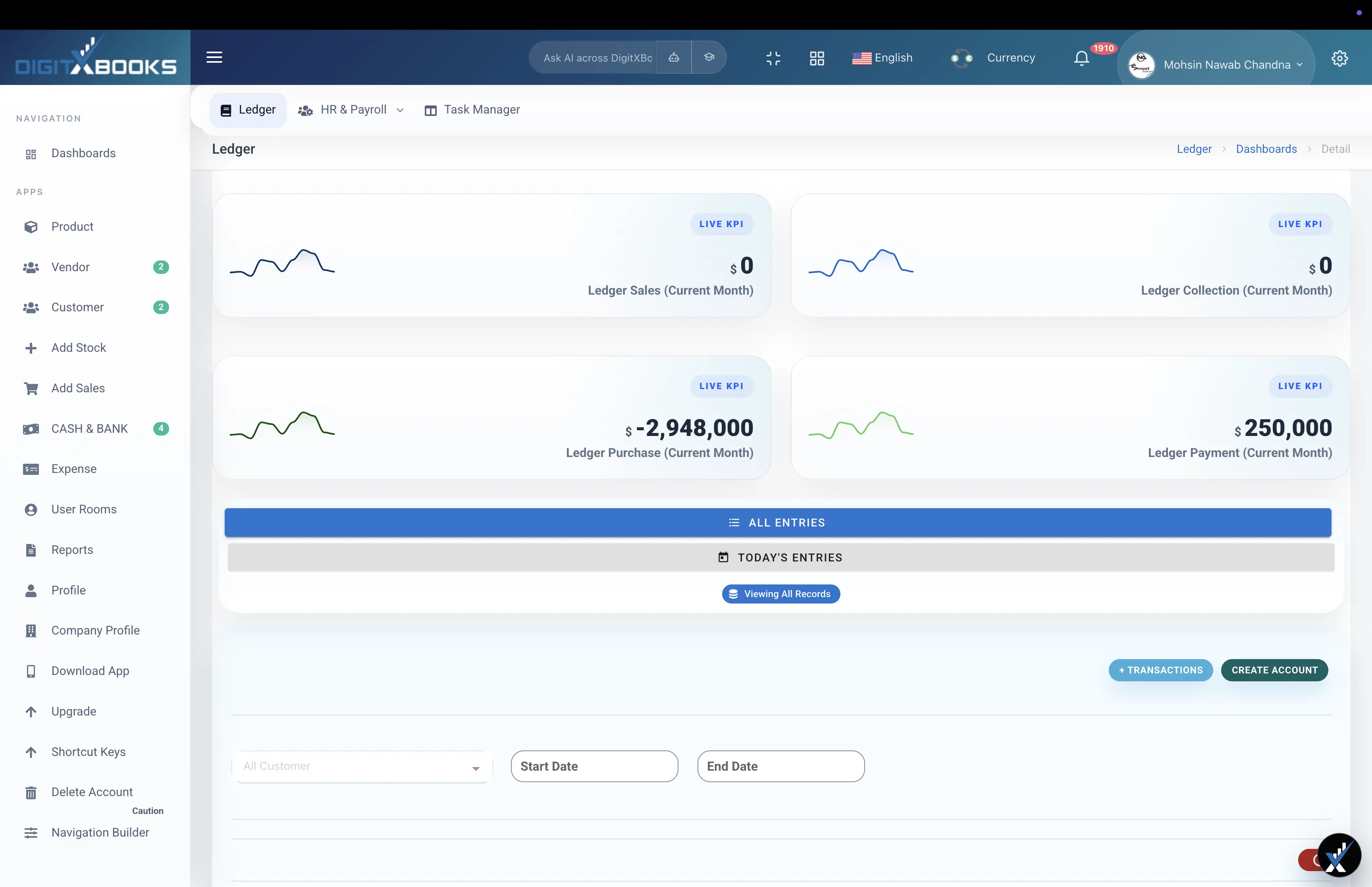
A generator produces a document. It does not track whether the invoice was paid, which is the part that affects your bank balance. Once you are chasing more than a handful of invoices, you need receivable aging, partial-payment records and a running customer balance, which is what the DigitXBooks invoicing module provides alongside the ledger.
- No record of what is outstanding or overdue
- No receivable aging to prioritise collection
- No partial-payment or customer-balance history
- No link between the invoice and stock or the ledger
How to create an invoice
Produce a correctly totalled, printable invoice from line items.
- Add your details Enter your business name and the customer's name and address.
- Set the invoice number and dates Use a unique sequential number and add the issue and due dates.
- Enter line items Add a description, quantity and rate for each item or service.
- Apply discount and tax Set any discount and the tax rate; totals recalculate as you type.
- Print or save as PDF Use your browser's print dialog and choose 'Save as PDF'.
FAQs
Is this invoice generator really free?
Yes, with no signup and no limit on how many invoices you create. Everything runs in your browser, so no invoice data is uploaded or stored on a server.
What must be on an invoice?
A unique invoice number, the issue date, payment terms or a due date, the full legal names and addresses of both parties, your tax registration number if registered, line-level descriptions with quantity and rate, and a total that shows tax separately from the net amount.
How do I save the invoice as a PDF?
Use the print button and choose 'Save as PDF' as the destination in your browser's print dialog. The layout is styled for print, so headers, buttons and navigation are removed automatically.
Should a discount be applied before or after tax?
Before. Discount the net amount first, then calculate tax on the discounted figure. Applying tax first and then discounting the gross overstates the tax you have collected.
Can I track whether these invoices get paid?
Not with the generator, which only produces the document. Tracking what is outstanding needs receivable aging, partial-payment records and customer balances, which is what the DigitXBooks invoicing module adds.
Solutions
- Billing and Invoice Software DigitXBooks billing invoice software manages sales invoices, product rows, customer receivables, payment-in records, sales returns, profit reports, and invoice history.
- Invoice and Receivable Software DigitXBooks invoice and receivable software manages invoices, customer balances, payment-in records, partial payments, aging reports, sales returns, and profit reports.
- GST Calculator Add or remove GST from any amount
- Accounting Software for Freelancers Accounting software for freelancers and consultants. Send invoices, chase overdue payments with aging reports, track deductible expenses, monitor cash flow and export clean records for tax.