
Enter what an item costs you and what you sell it for. The calculator returns gross profit, margin percentage and markup percentage. Margin and markup are routinely confused, and the gap between them is where pricing quietly goes wrong.
Everything is calculated in your browser. Nothing you type here is sent to a server or stored.
Margin and markup are not the same number
Margin expresses profit as a share of the selling price. Markup expresses the same profit as a share of the cost. Buy at 700 and sell at 1000 and you have a 30% margin but a 42.9% markup. Applying a target margin as though it were a markup underprices the item every time, and at scale that gap is the difference between profit and loss.
- Margin = (price - cost) / price x 100
- Markup = (price - cost) / cost x 100
- Markup is always the larger number for the same profit
Pricing to a target margin
To hit a margin rather than a markup, divide the cost by one minus the target margin. For a 40% margin on a cost of 600, divide 600 by 0.60 to get a price of 1000. Setting the price at cost plus 40% would give 840, which is only a 28.6% margin.
- Price for target margin: cost / (1 - margin as decimal)
- Price for target markup: cost x (1 + markup as decimal)
- Always confirm which of the two your supplier or buyer means
Gross margin is not the whole picture
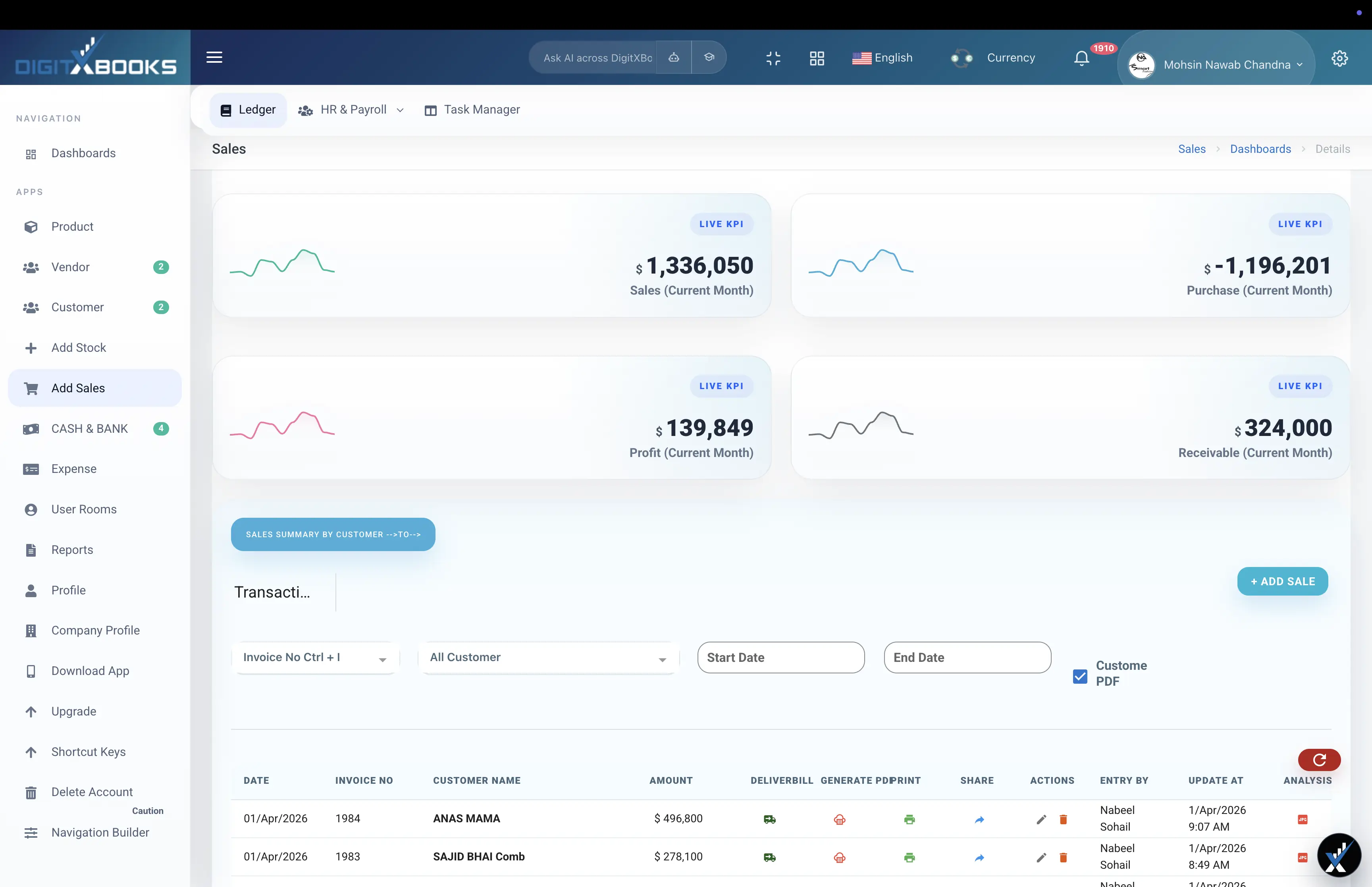
Gross margin ignores everything after cost of goods: delivery, payment fees, returns, storage and the discount someone gave to close the sale. A line with a healthy gross margin can still lose money once those land. Recording cost and price at the transaction row, as DigitXBooks does, is what makes the real contribution visible.
- Subtract delivery, payment fees and returns for contribution margin
- Watch discounting: 10% off a 30% margin removes a third of the profit
- Track margin per product rather than blended across the catalogue
How to calculate profit margin
Turn a cost price and a selling price into gross profit, margin and markup.
- Enter the cost price What the item costs you, including landed cost if known.
- Enter the selling price What the customer actually pays, after any discount.
- Read gross profit Selling price minus cost price, per unit.
- Compare margin and markup Margin is profit over price; markup is profit over cost.
FAQs
What is the difference between profit margin and markup?
Margin is profit as a percentage of the selling price; markup is the same profit as a percentage of the cost. Buying at 700 and selling at 1000 gives a 30% margin and a 42.9% markup. Confusing the two consistently underprices your products.
How do I calculate a selling price from a target margin?
Divide the cost by one minus the target margin expressed as a decimal. For a 40% margin on a cost of 600: 600 / 0.60 = 1000.
What is a good profit margin?
It depends almost entirely on the sector. Grocery and distribution operate on single-digit to low-double-digit gross margins on high volume, while software and services often exceed 70%. The useful comparison is against your own history and your direct competitors, not a universal benchmark.
Does gross margin include overheads?
No. Gross margin covers only the cost of the goods. Rent, salaries, marketing and payment fees come out afterwards, which is why a good gross margin can still leave a loss at the net level.
Solutions
- Break-Even Calculator Units and revenue needed to cover your costs
- Sales Tracking Software DigitXBooks sales tracking software helps manage sales invoices, customer balances, payment status, product profit, sales returns, and sales reports.
- Inventory Accounting Software DigitXBooks inventory accounting software connects stock management with sales, purchases, product ledgers, receivables, payables, cash flow, and inventory reports.
- Ledger and Financial Reports DigitXBooks financial reporting software covers ledgers, receivables, payables, cash flow, sales, purchases, inventory, expenses, payroll reports, and AI summaries.